The recipe page and cook mode
Adjusted servings, ingredients per step, one-tap timers and “How do I do this?”: cook without leaving the screen.
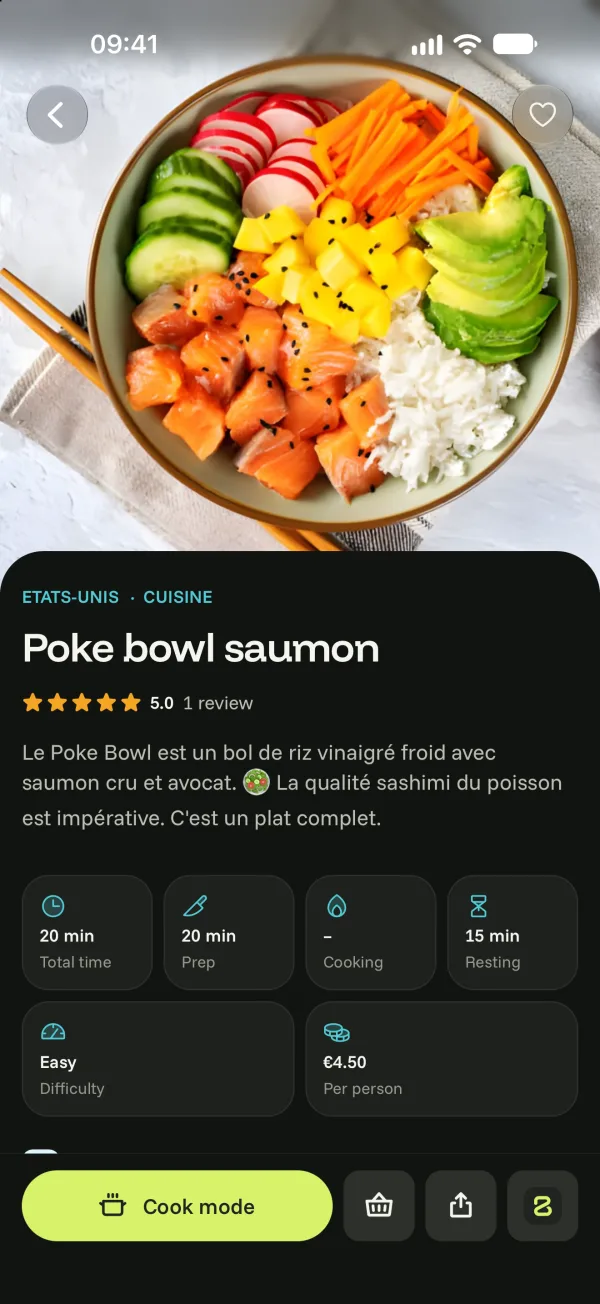
The recipe page
- Times (total, prep, cooking, resting), difficulty and estimated cost.
- Ingredients: change the number of servings with − and + (hold to go faster), and quantities follow. If you’re missing a tool according to My kitchen, the page tells you.
- Nutrition values per serving, the chef’s tip, variations, mistakes to avoid, frequently asked questions.
- At the bottom: Cook mode, Add to my shopping list, share and Bogeton AI.
Cook mode
Tap Cook mode: one step at a time, large, with the screen staying on.
- For this step: the ingredients to prepare, with their amounts.
- Tap a duration in the text to start a timer. Several timers can run at once; they stay visible on the Lock Screen.
- Swipe to the next or previous step.
- How do I do this?: Bogeton AI explains the step’s technique.
At the end, Rate the recipe: your rating helps other cooks.