Log your night
Your bedtime, wake-up time and how you felt in five seconds, or a night that arrives on its own from your watch.
On this page
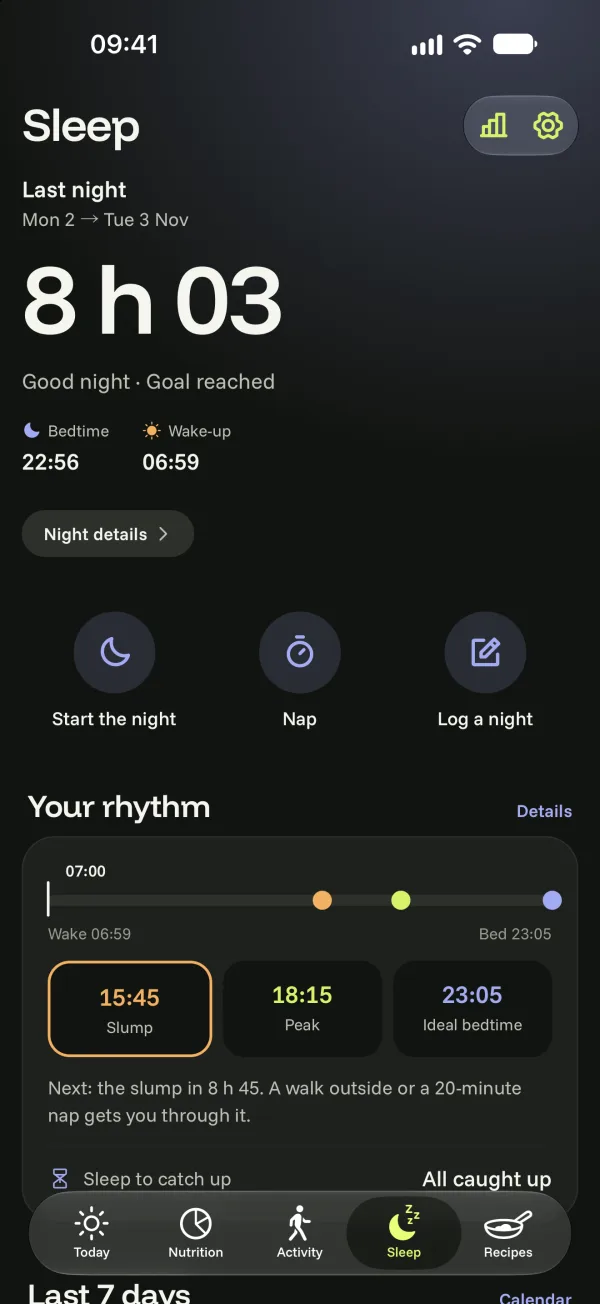
There are three ways to get your night into Bogeton: log it, have your phone listen to it, or let it come in from Apple Health or Health Connect (watch, ring…).
Log your night by hand
- In the Sleep tab, tap Log a night.
- Set your bedtime and wake-up time.
- Choose how it felt: restless, okay or restful, then save.
Forgot a night this week? Log another night. To correct one: tap your night, then Edit this night; you can also delete it.
A nap
Tap Nap in the Sleep tab: it’s logged separately and doesn’t replace your night.
Estimated nights
Without listening or a watch, Bogeton can estimate your nights from your steps and the moments you use the app. Turn it on in sleep settings (Estimate nights without listening). An estimated night is marked estimated: tap it to correct it.