Create your strength program
Goal, level, equipment, days and sensitive areas: in a minute, a program made for you, with loads that go up at the right time.
Create your program
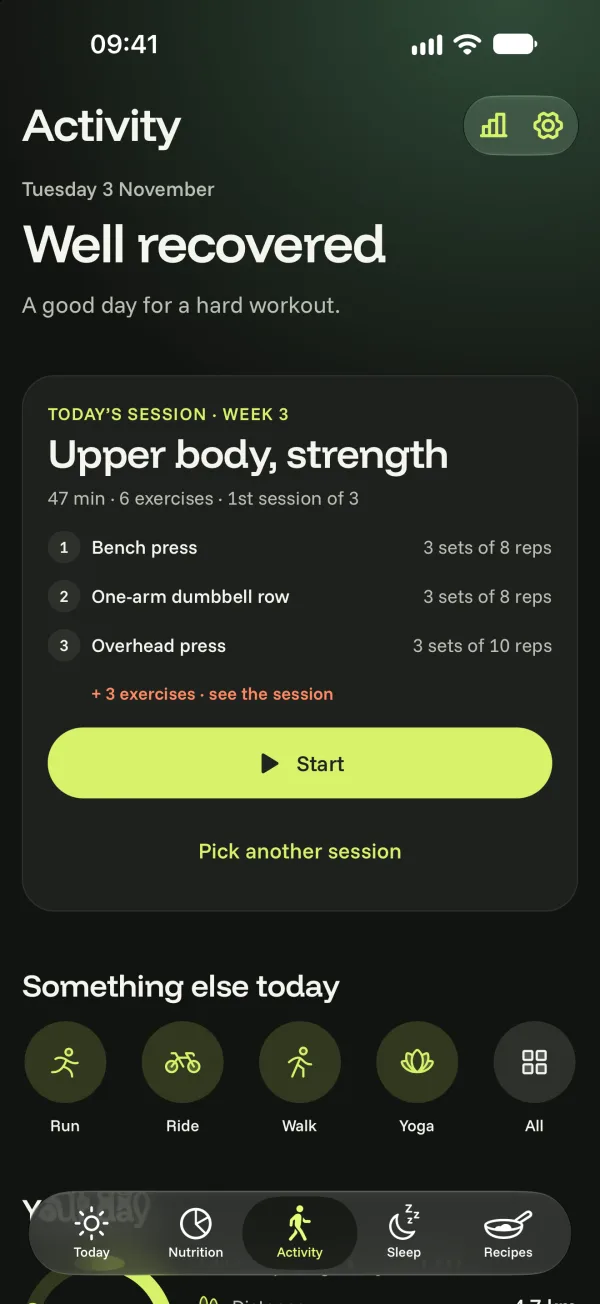
- In the Activity tab, Workouts view, choose strength training and tap Create my program.
- Answer the questions: your goal, your experience, where you train, your equipment (nothing ticked = bodyweight exercises only), your days (1 to 6), how long a session lasts.
- List any sensitive areas: exercises that strain them are avoided.
- Pick up to two priorities (one extra set for those muscles) and, if you like, a bit of cardio at the end.
Your program is ready: the first session is waiting in the Workouts view.
How it evolves
- 5-week cycles: 4 weeks of progress, then a deload week to recover.
- The loads and reps for each set are worked out from your last session.
- More than two weeks without a session? You ease back in, a little lighter.
Change your program
In your program, you can Replace an exercise (for good, in all future sessions), start a new cycle, or Change my answers to create a new program. Your sessions and records are always kept.